
Design It. Generate the Code.
AI-Powered Wireframes
Drag and drop your UI on an infinite canvas, map out your screens, then use the AI code generator to produce production-ready code with one click.
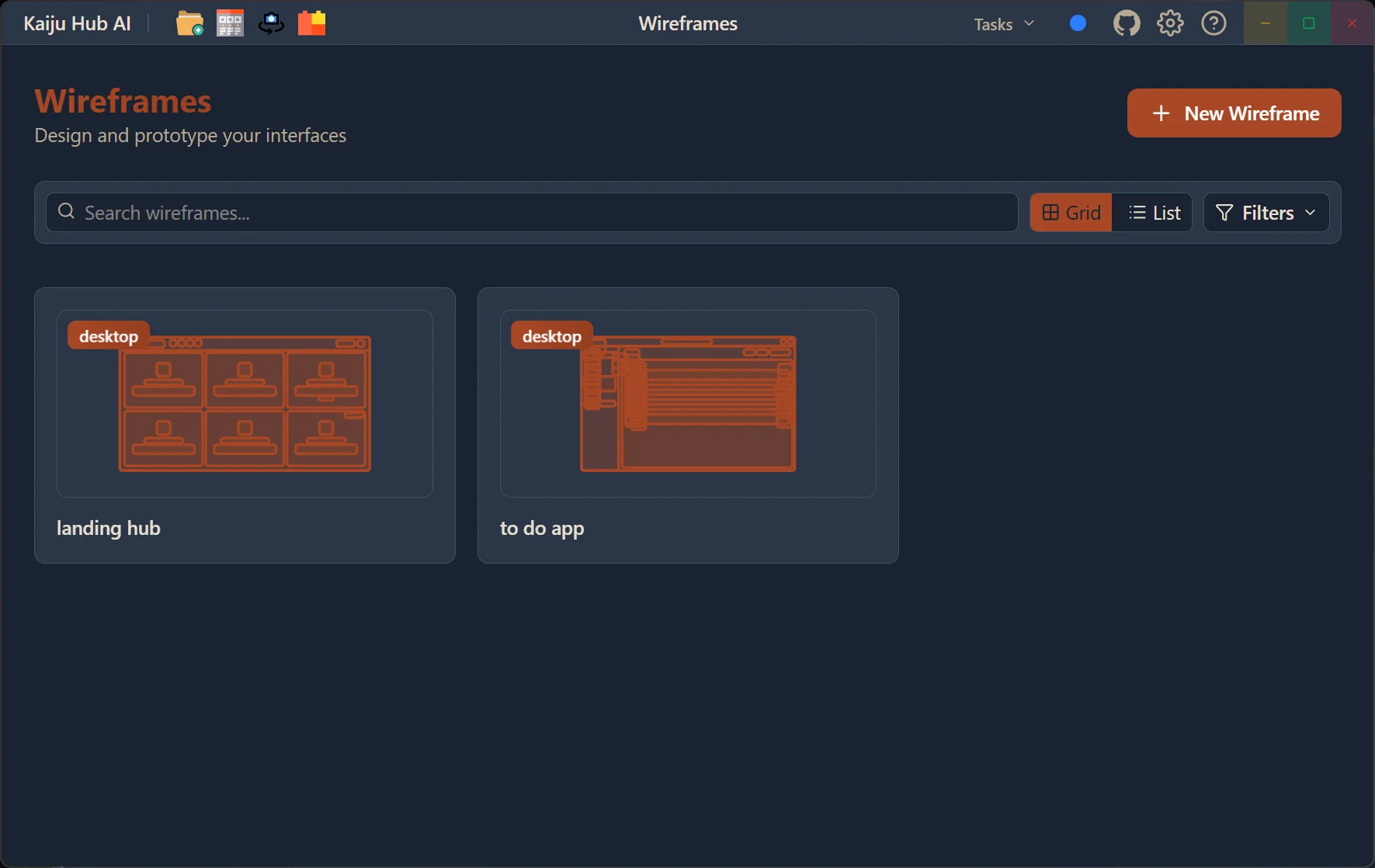
Design Visually, Generate Code Instantly
Create wireframes manually or let AI generate them for you. Map user flows, iterate on layouts, and export directly to production-ready code.
Manual Design Mode
Drag and drop UI components on an infinite canvas. Create and position elements manually with full control over layout and styling.
AI Wireframe Generation
Describe your UI and let AI generate complete wireframe layouts. AI creates frames with proper structure, hierarchy, and responsive design.
Frame Linking & Flows
Connect frames together to map out user navigation flows. Visualize the entire user journey across your application screens.
Storyboard View
Switch to storyboard mode for a bird's-eye view of all your screens. Organize and manage multi-screen navigation flows visually.
JSON Export
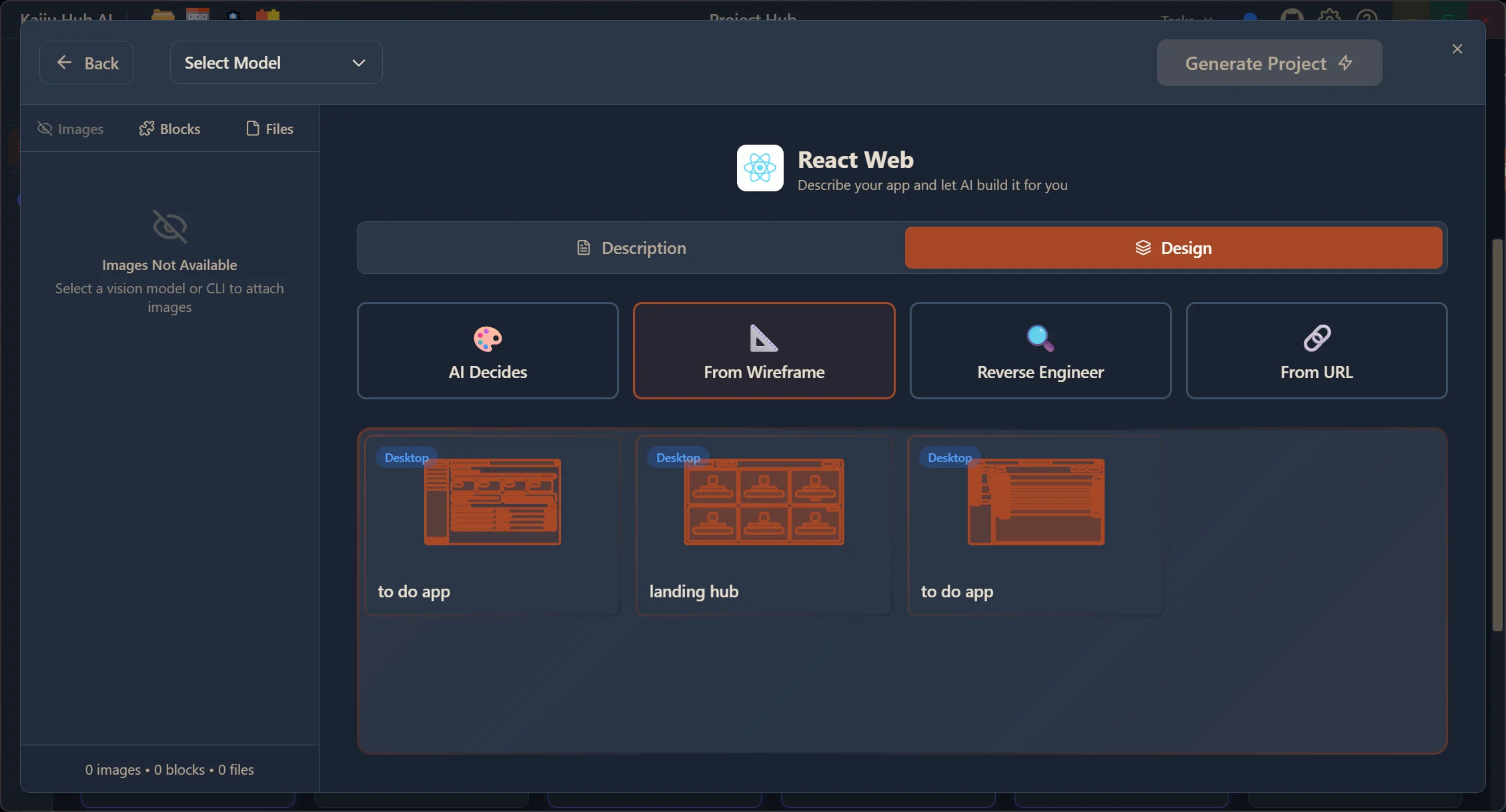
Export your wireframes to JSON for seamless integration into the project creation pipeline. Use wireframe data as a blueprint for AI code generation.
Code Generation
Generate production-ready code for React, Vue, Svelte, Angular, or SolidJS directly from your wireframe designs with one click.
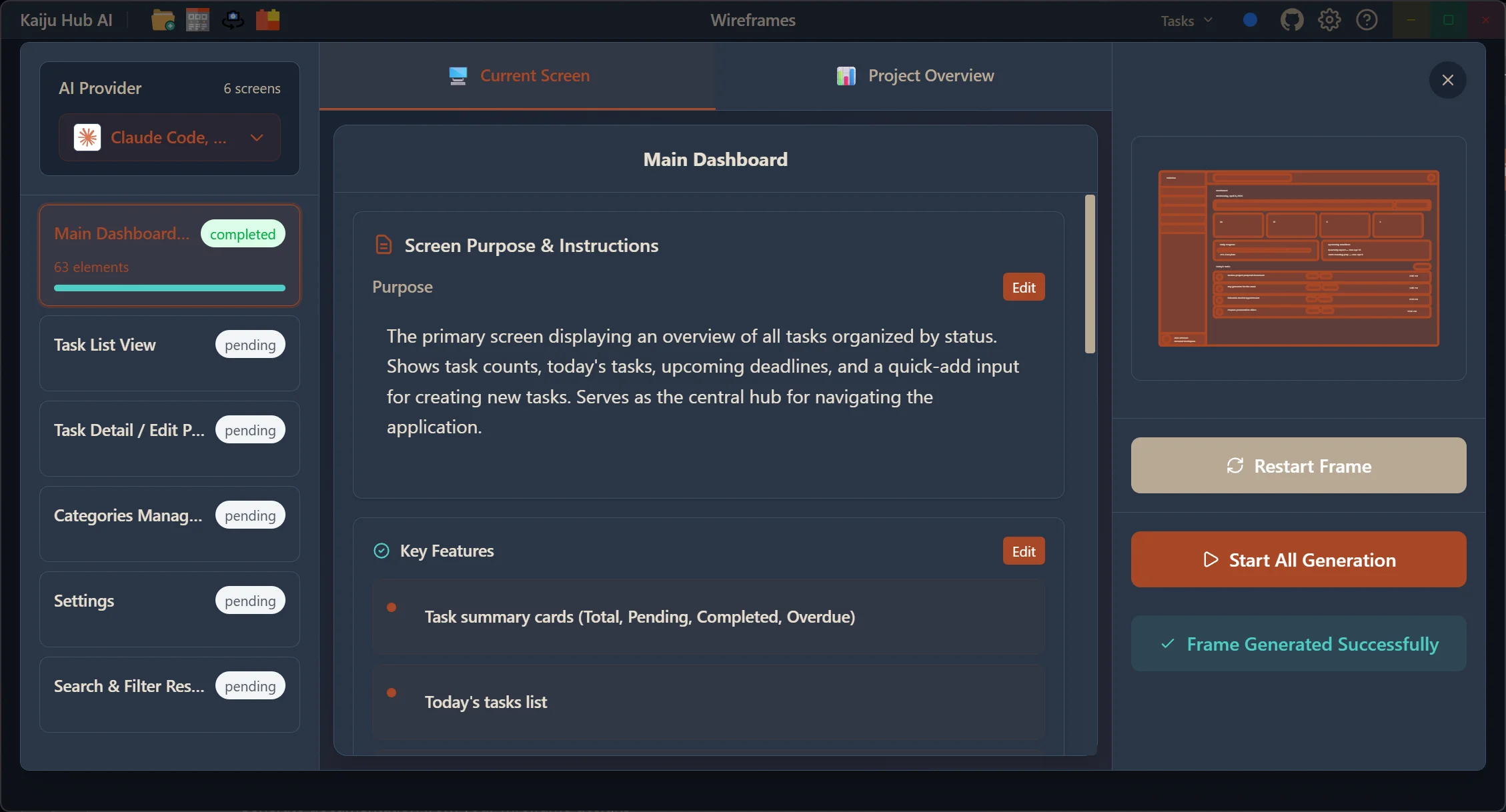
AI-Powered Wireframe Generation
Let AI design your application screens. Describe what you need — a dashboard, a landing page, a settings panel — and the AI wireframe generator creates fully structured frames complete with UI elements, proper hierarchy, and responsive layouts. Use the Frame Creator to generate multiple screens in a single batch.
- Describe your UI in natural language and let AI build it
- Frame Creator for batch-generating multiple screens
- AI places proper UI elements with correct hierarchy
- Enhance existing wireframes with AI suggestions
- Generate documentation from your wireframe designs
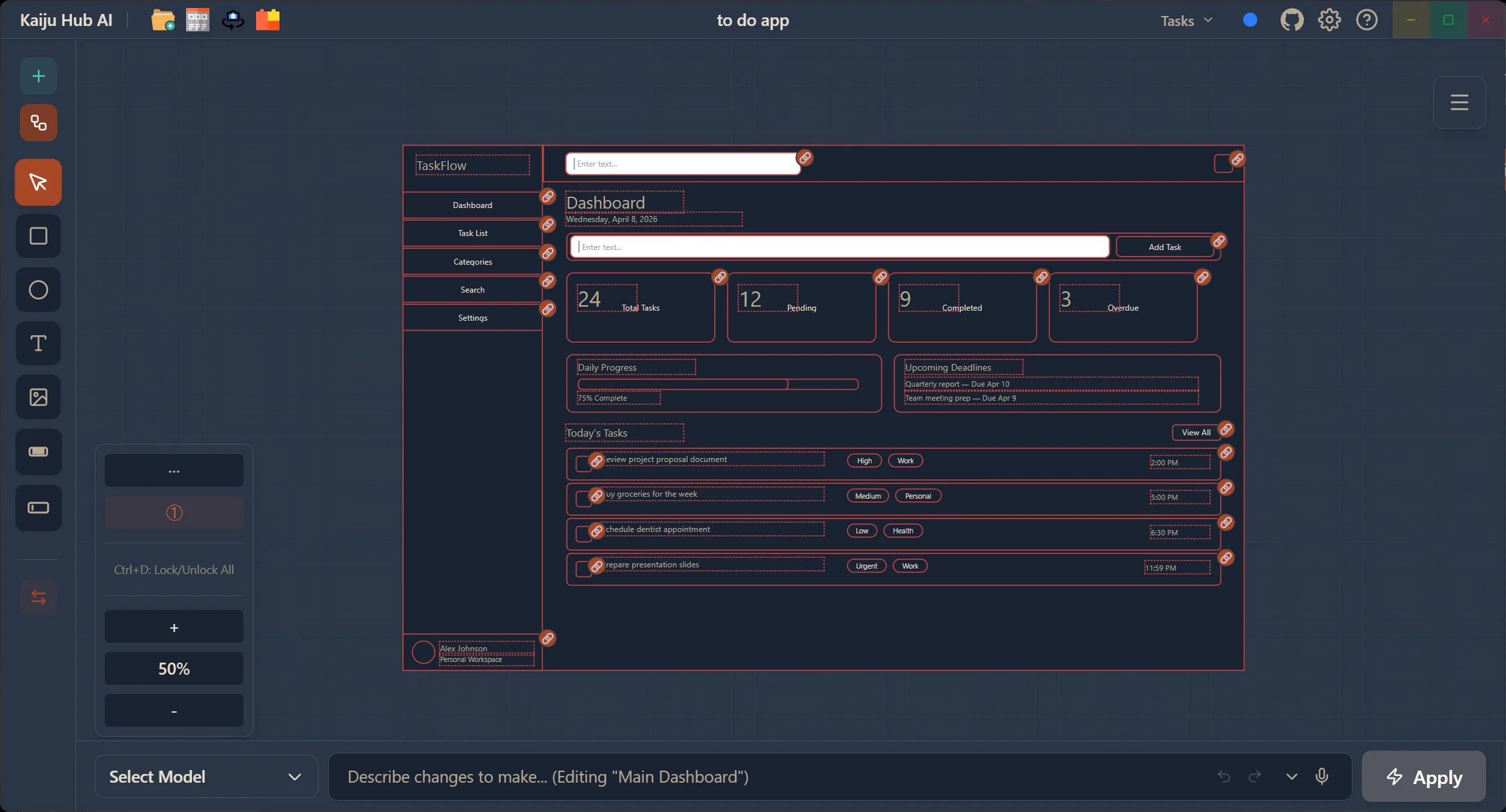
Infinite Canvas Editor
Work on an infinite canvas with full drag-and-drop functionality. Place UI elements, resize and position them, add annotations with color specs and AI instructions per element, and organize your screens in a visual layout. The canvas editor gives you the flexibility to design any layout you can imagine.
- Infinite canvas with drag-and-drop components
- Element properties panel for fine-grained control
- Annotations with color specs and AI instructions per element
- Block connections to link wireframes to your block library
- AI editing to modify elements with natural language
Link Frames & Export to JSON
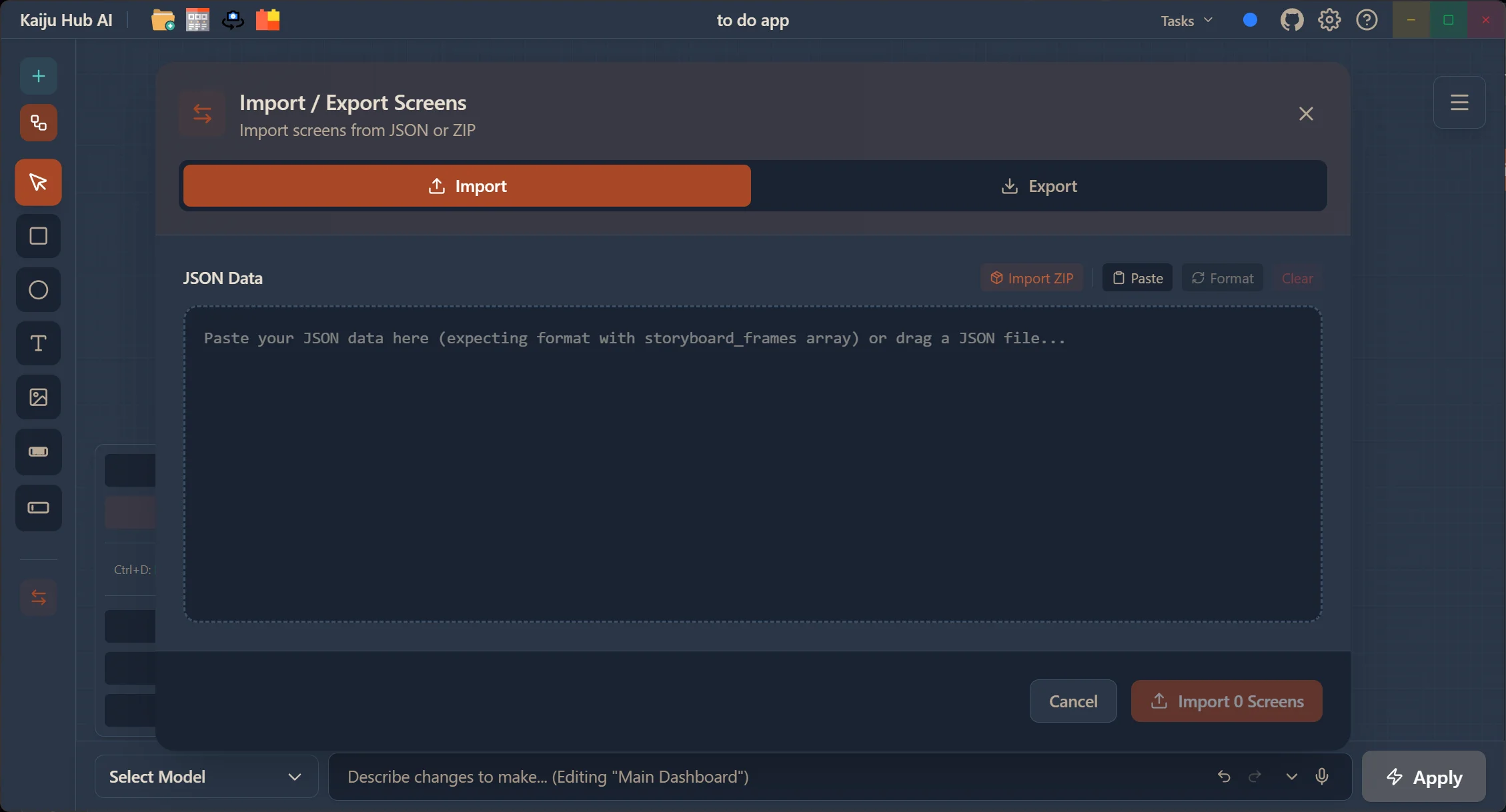
Connect wireframe frames together to define navigation flows between screens. Visualize how users will move through your application. When your design is ready, export the entire wireframe as JSON — a structured blueprint that feeds directly into Kaiju Hub AI's code generation pipeline, turning your visual designs into real code.
- Link frames to define user navigation flows
- Storyboard view for multi-screen flow visualization
- Export wireframes to JSON for integration in project creation
- Use wireframe JSON as input for AI code generation
- Responsive output with accessibility built in
From Design to Code
The wireframe tool isn't just for design — it's the starting point for production code. Generate code for React, Vue, Svelte, Angular, or SolidJS directly from your wireframes. Use the wireframe export inside project creation to let AI reference your exact layout when building the app. The gap between design and development disappears.
- Generate code for React, Vue, Svelte, Angular, or SolidJS
- Use wireframe data in the project creation pipeline
- AI references your exact layout structure when generating code
- Iterate between design and code seamlessly
Ready to build your next app with AI?
Try Kaiju Hub AI today and start building with AI. Free to download — design, generate code, and ship faster.
Get Started Free