
See It. Rebuild It.
Reverse Engineering
Take a screenshot of any UI. AI detects every element, you link them into flows, and turn any design into reusable wireframes or production code.
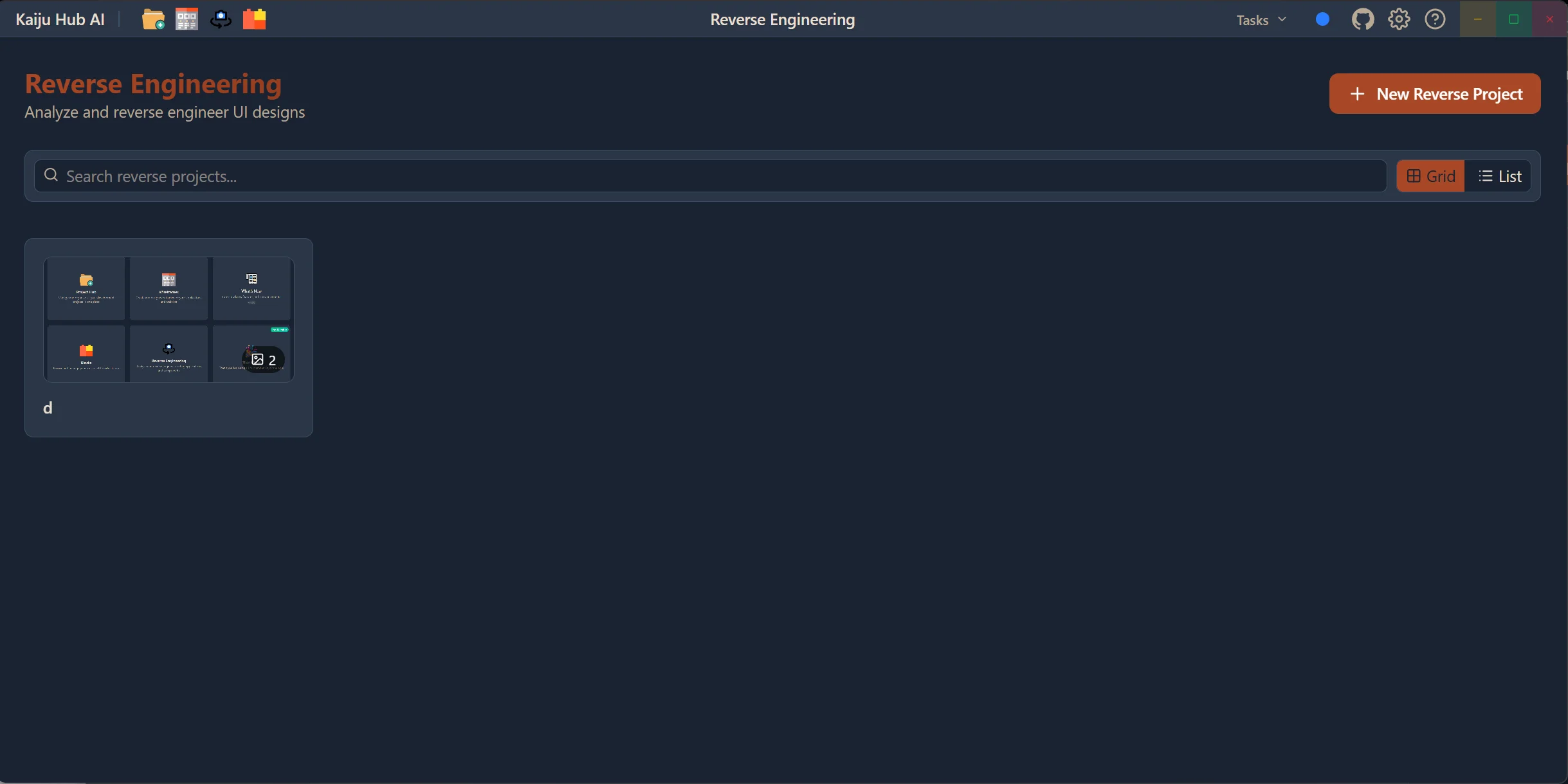
Turn Any UI Into Code
Upload a screenshot of any app or website. AI detects every UI element, you organize them into flows, and generate production code or reusable wireframes.
Screenshot Analysis
Upload a screenshot of any application or website. AI analyzes the image and identifies every UI element — buttons, inputs, text, images, and layout containers.
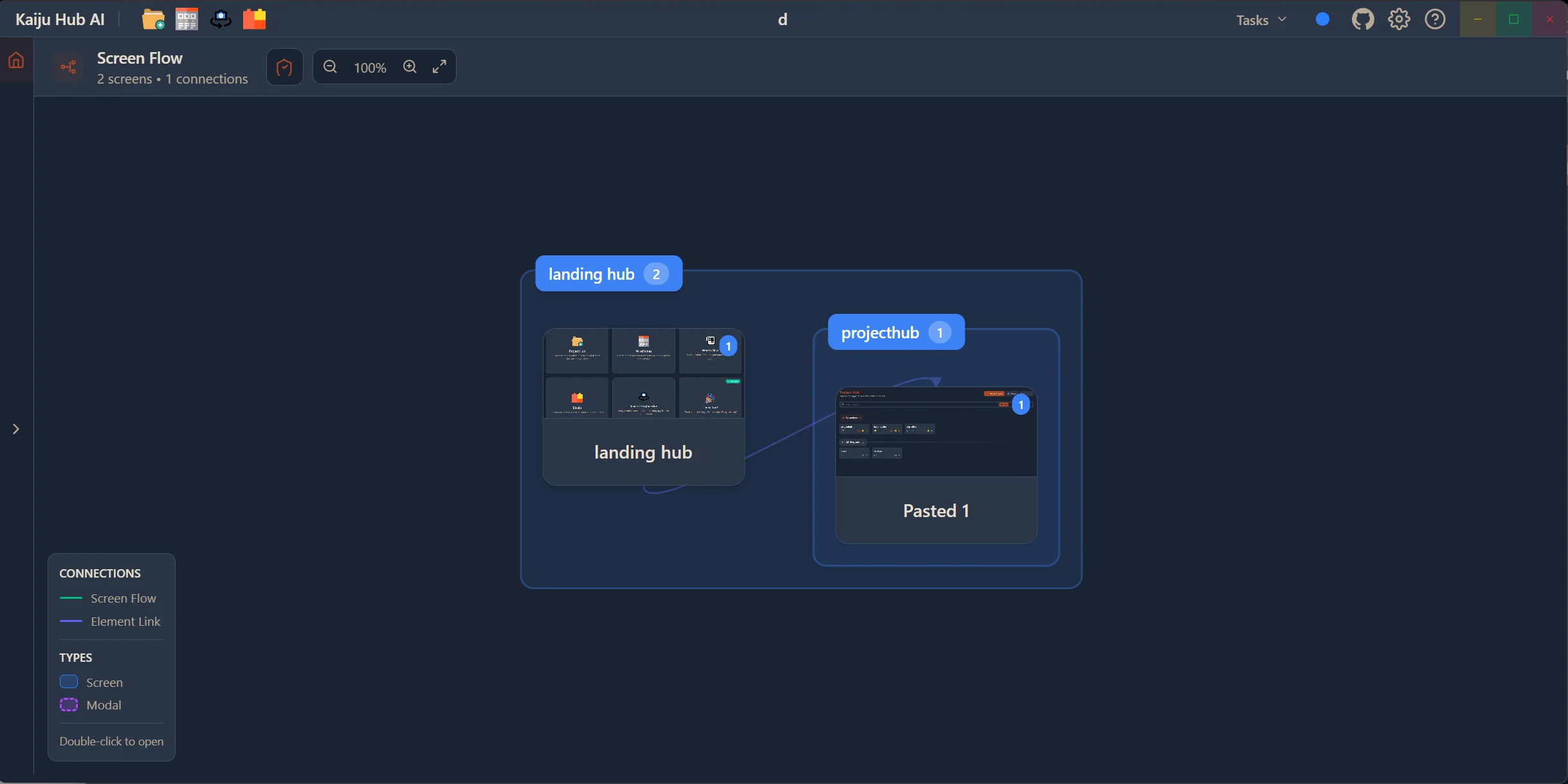
AI Bounding Boxes
AI automatically draws bounding boxes around detected elements. Fine-tune with manual boxing or let auto-detection handle it. Group elements into screen flow sections.
Template Library
Save reverse-engineered designs as templates. Always have a reference on file that you can go back to and use as a starting point for new projects.
Screen Flow Mapping
Link detected elements and screens together to map navigation flows. Understand how the original app works and replicate its structure.
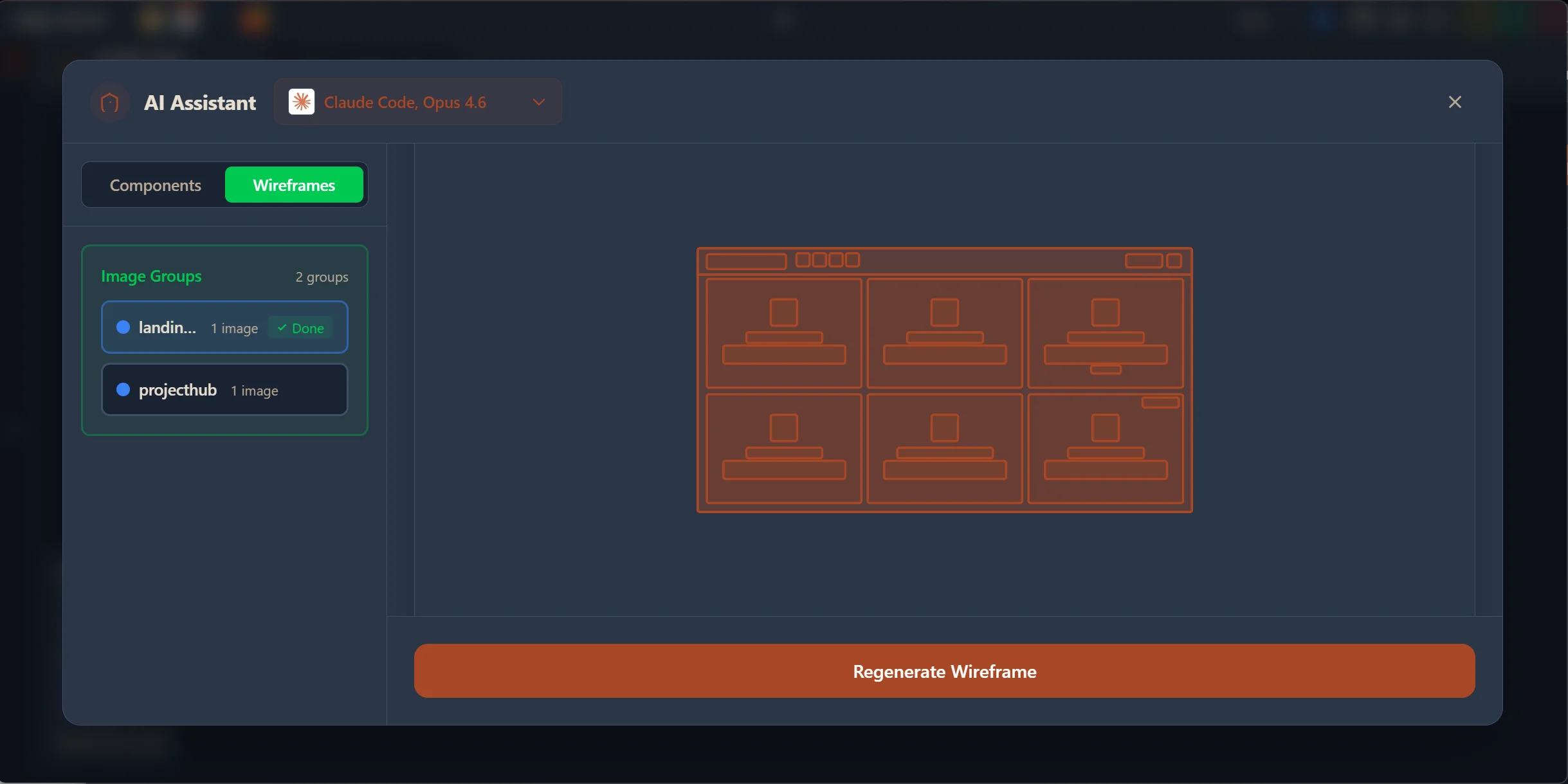
Code Generation
Generate production code for React, Vue, Svelte, Angular, or SolidJS directly from your reverse-engineered design. Replicate any UI with real, working code.
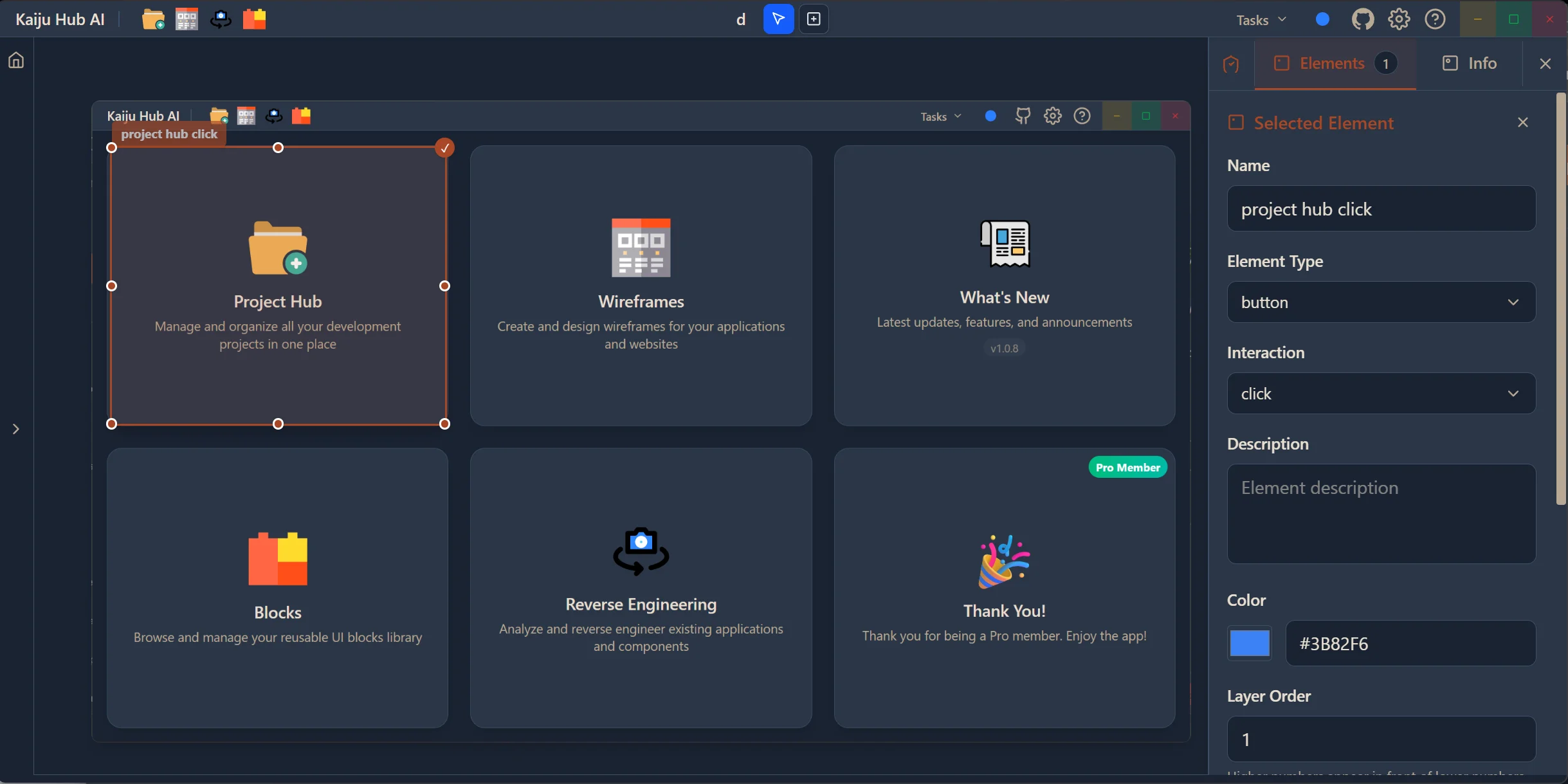
Wireframe Conversion
Convert reverse-engineered designs into editable wireframes. Use them in the Wireframe Hub for further iteration and refinement.
Reverse Engineer Through Images
Take a screenshot of any app, website, or UI design and upload it to the Reverse Engineering Hub. AI analyzes the image and breaks it down into its component parts — identifying buttons, text fields, navigation bars, images, and layout containers. This gives you a complete structural map of any interface you want to replicate or learn from.
- Upload screenshots of any app, website, or UI
- AI identifies all UI elements automatically
- Works with mobile apps, desktop apps, and websites
- Create reverse engineering projects to organize your analyses
- Reference designs from any platform or design tool
Bounding Boxes & Element Detection
Once your screenshot is uploaded, AI draws bounding boxes around every detected UI element. You can switch between AI auto-boxing for hands-free detection or manual boxing for precise control. Organize detected elements into screen flow groups to map out how different parts of the interface relate to each other.
- AI-powered auto-boxing detects all elements
- Manual boxing mode for precise element selection
- Screen flow groups to organize related elements
- Edit, resize, and refine bounding boxes
- Label elements with custom names and metadata
Generate Code & Wireframes
Turn your reverse-engineered designs into real, working code. Generate production-ready code for React, Vue, Svelte, Angular, or SolidJS. Or convert the design into an editable wireframe that you can refine in the Wireframe Hub before generating code. Either way, you go from a screenshot to a functional implementation.
- Generate production code for React, Vue, Svelte, Angular, or SolidJS
- Convert designs to editable wireframes
- Replicate any design style with AI assistance
- Link elements together to map navigation flows
- Use generated wireframes in the project creation pipeline
Ready to build your next app with AI?
Try Kaiju Hub AI today and start building with AI. Free to download — design, generate code, and ship faster.
Get Started Free