
Code, Context, Media, 3D, GLSL, and WebGL
Block Library
Create and organize reusable code, project context, documents, images, videos, audio, 3D scenes, GLSL shaders, and WebGL experiments. Generate or edit with AI, preview live, track versions, and attach any block as context.
Build, Store, and Reuse Components
Organize reusable code, context, documents, media, 3D scenes, GLSL shaders, and WebGL experiments with AI generation, live previews, and version history.
Component Groups
Organize blocks into groups. Create custom categories for UI components, shaders, 3D scenes, and media assets. Keep everything organized and searchable.
AI Block Generation
Use AI to generate blocks from text descriptions. Create components for React, Vue, Svelte, Angular, SolidJS, or vanilla JS with Direct or Variation generation modes.
GLSL Shaders & 3D
Build and preview Three.js scenes, GLSL shaders, and WebGL content in a live sandbox. Store them as reusable blocks in your library.
Live Preview
Every block renders with a live preview panel. See your code changes in real time as you edit — whether it's a React component, a GLSL shader, or a 3D scene.
Multi-Block Creation
Generate multiple blocks at once using AI. Batch-create component variations, color schemes, layout alternatives, and more in a single generation pass.
Version History
Full version history across all block types. Track changes, revert to previous versions, and manage your component evolution across React, Vue, Svelte, Angular, SolidJS, and vanilla JS.
Block Library & Organization
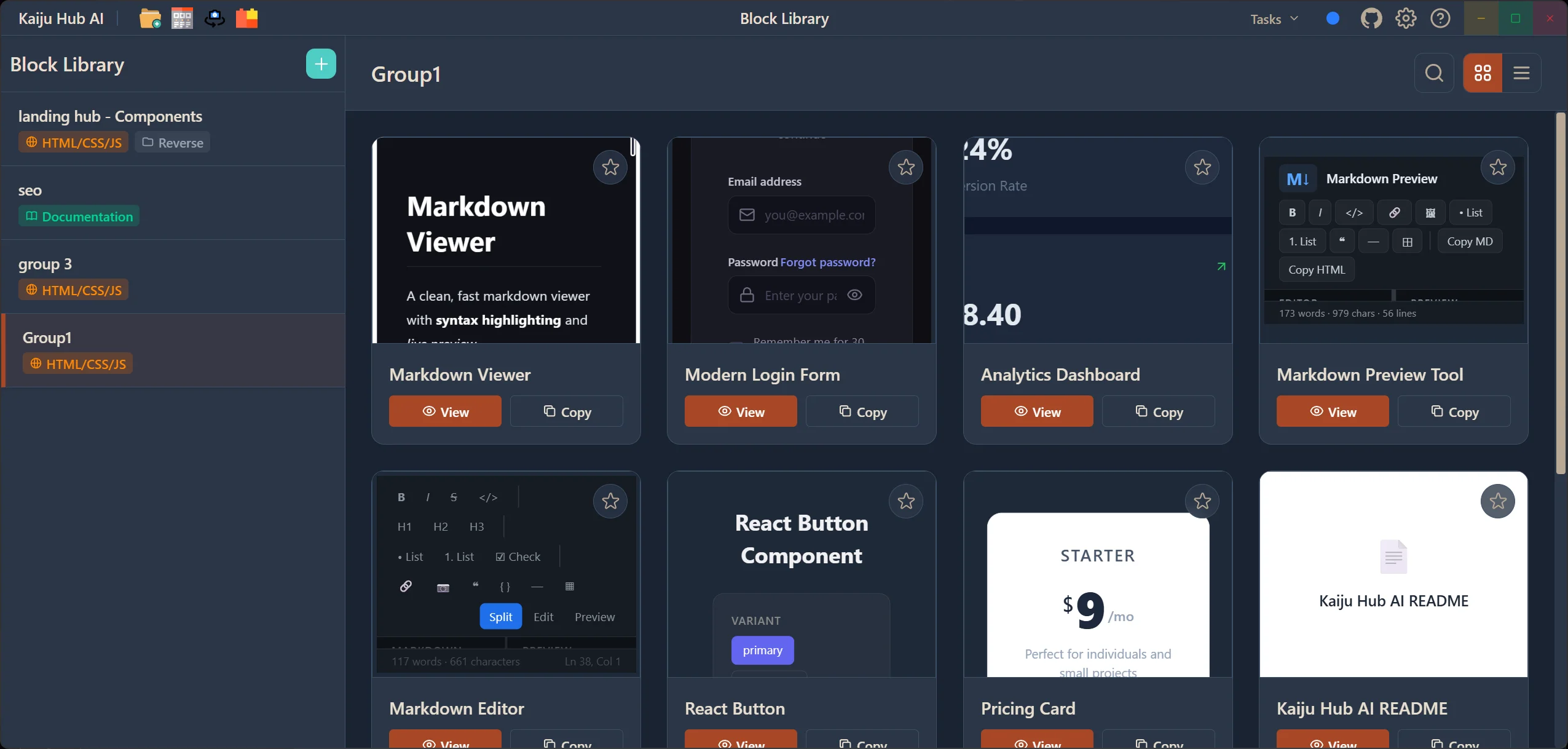
The Block Library is your personal component store. Create groups to organize your blocks by category — UI components, page sections, shaders, 3D scenes, or any custom classification. Each block has a detail view with metadata, code, and live preview. Browse, search, and manage your entire collection from a single interface.
- Create custom groups to organize blocks by category
- Block cards with instant preview and metadata
- Detail view for inspecting and editing individual blocks
- Search and filter across your entire library
- Drag blocks into your wireframe designs
AI-Powered Block Creator
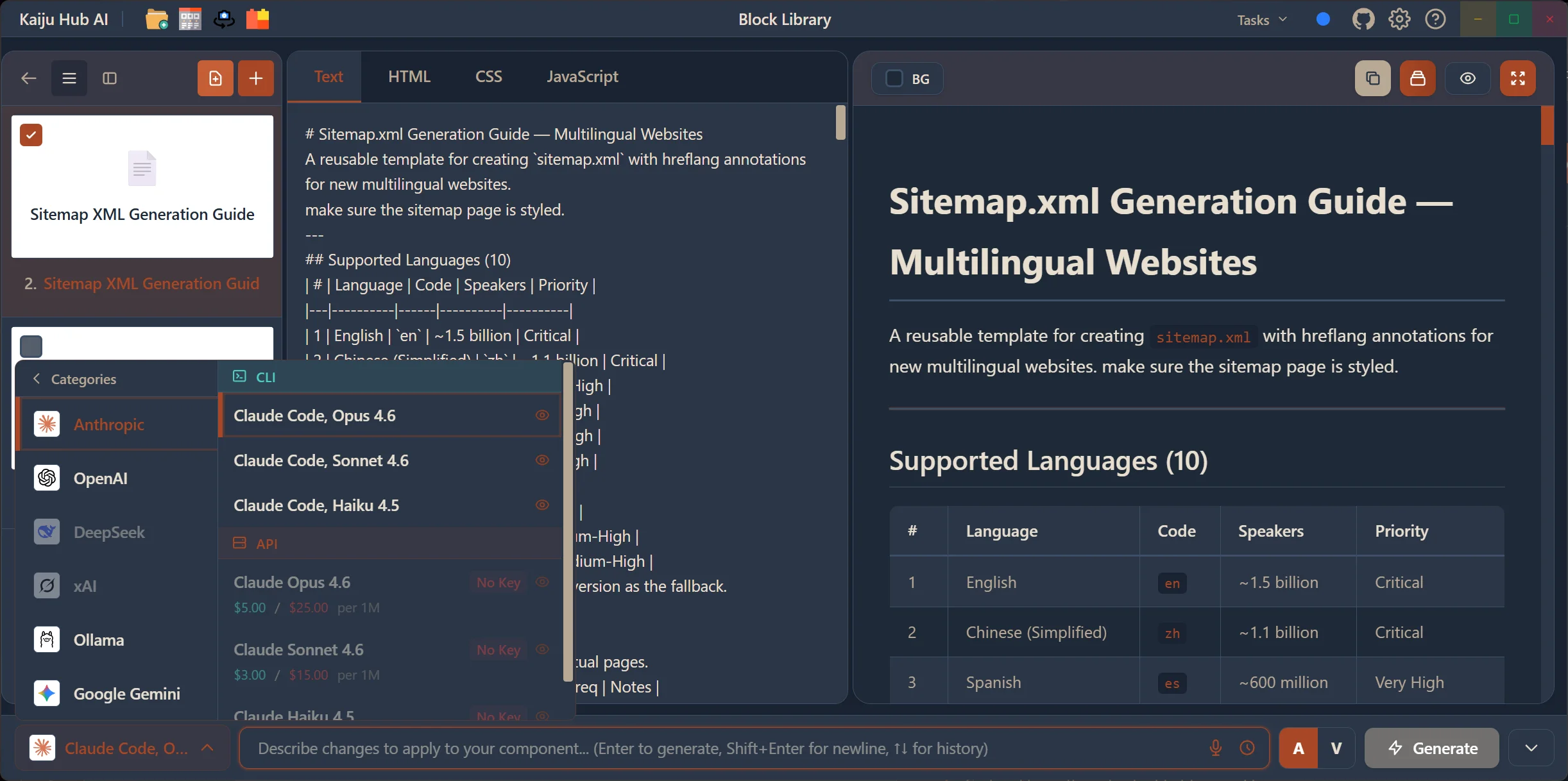
Open the Creator View to build new blocks with AI assistance. Use the AI Prompt Box to describe what you want — a login form, a pricing card, a navigation bar — and AI generates the code. Choose between Direct Mode for creating blocks from scratch, or Variation Mode to generate alternatives based on an existing block.
- AI Prompt Box for natural language block generation
- Direct Mode (A) — generate blocks from a text description
- Variation Mode (V) — generate alternatives of an existing block
- AI Gen Categories for different generation types
- Code editor with syntax highlighting and live preview
GLSL Shaders, Three.js & WebGL
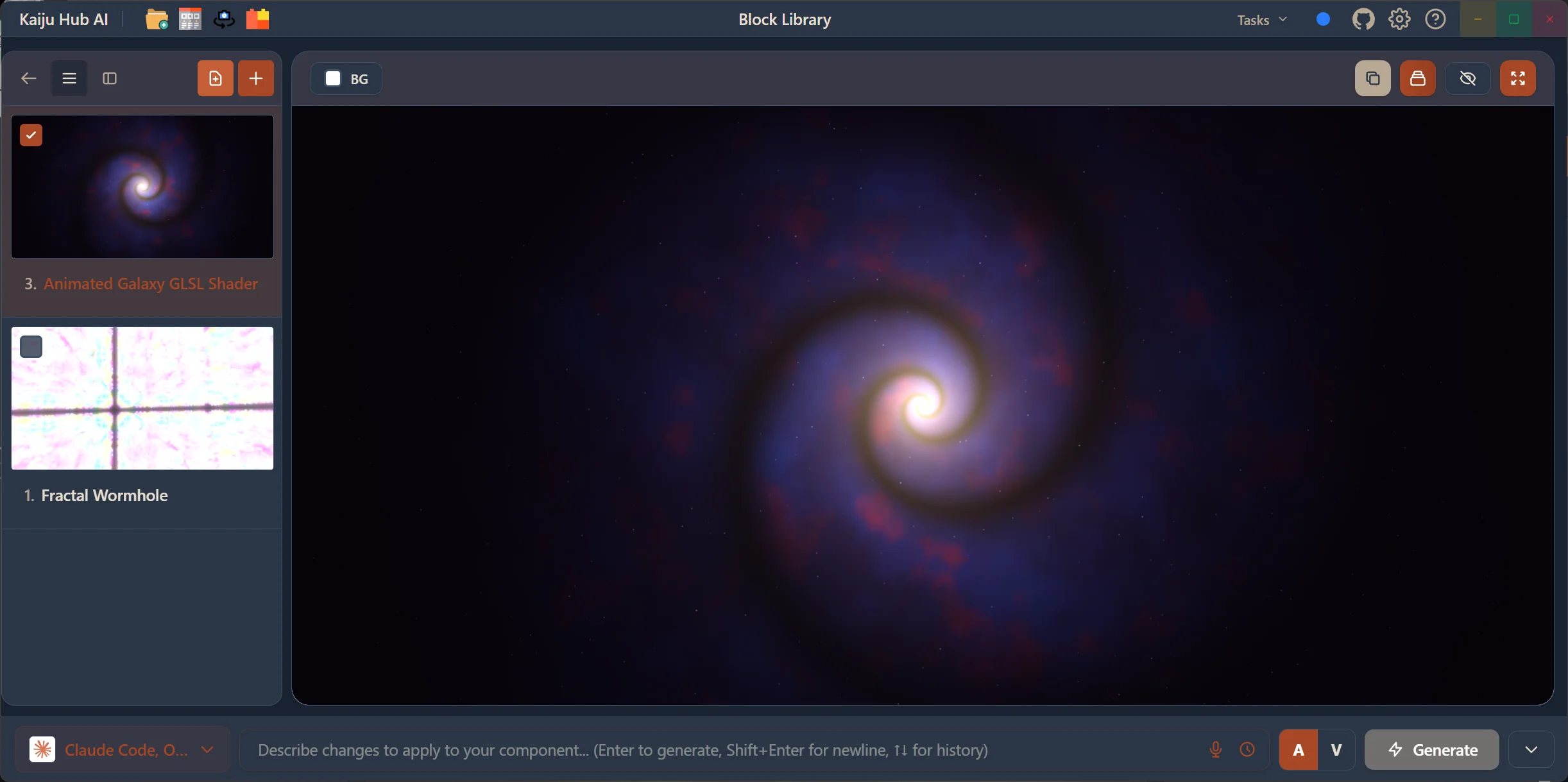
The Block Library isn't limited to UI components. Create and store GLSL shaders, Three.js 3D scenes, and WebGL experiments — all rendered in a live sandbox with real-time preview. Use AI to generate shader code or 3D scene setups, then save them as reusable blocks.
- Three.js scene creation with live 3D preview
- GLSL shader editor with real-time rendering
- WebGL experiments in a sandboxed environment
- AI-generated shaders and 3D content
- Store and reuse across projects
Block Variations
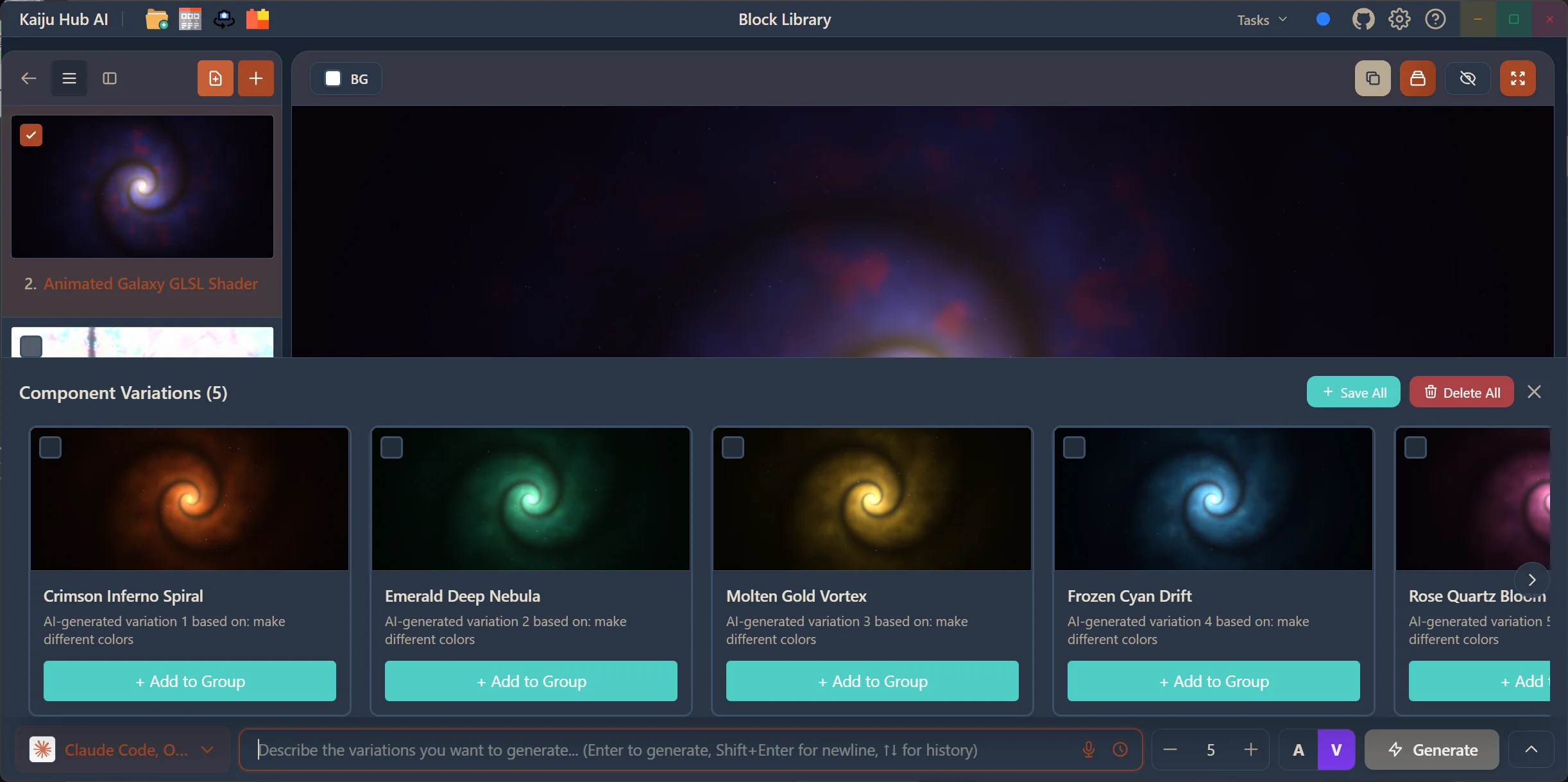
Generate multiple variations of any block with a single prompt. Whether it's UI components or GLSL shaders, AI creates a set of alternatives — each with different styles, color palettes, or structural approaches. Preview them side by side, save your favorites to a group, or delete the ones you don't need.
- Generate 5+ variations from a single block or prompt
- Side-by-side preview cards with live rendering
- Add to Group to keep variations organized
- Save All or Delete All for quick batch management
- Works with UI components, shaders, 3D scenes, and more
AI Image & Video Generation
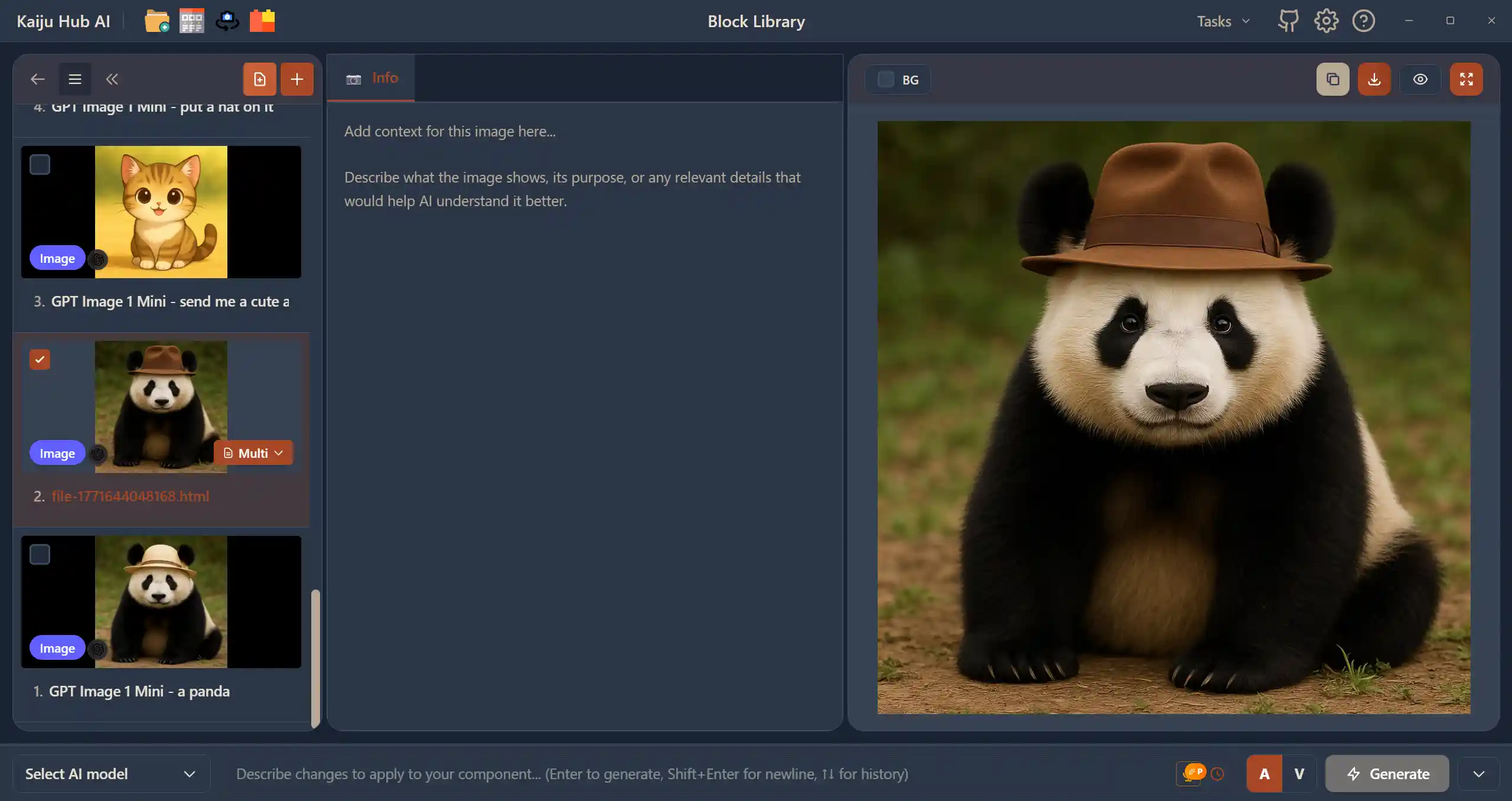
Built into the Block Library, use the AI image generator for text-to-image and image-to-image creation via ComfyUI locally or 6+ cloud providers. Generate videos with AI using Kling, Veo, and more. Create AI-generated markdown from images for use with CLI tools. All generated media can be stored as blocks in your library.
- Text-to-image and image-to-image — local via ComfyUI or 6+ cloud providers
- Text-to-video and image-to-video with Kling, Veo, and more
- AI-generated markdown from images for use with CLI tools
- Store generated media as reusable blocks
- Full version history for all generated content
Ready to build your next app with AI?
Try Kaiju Hub AI today and start building with AI. Free to download — design, generate code, and ship faster.
Get Started Free