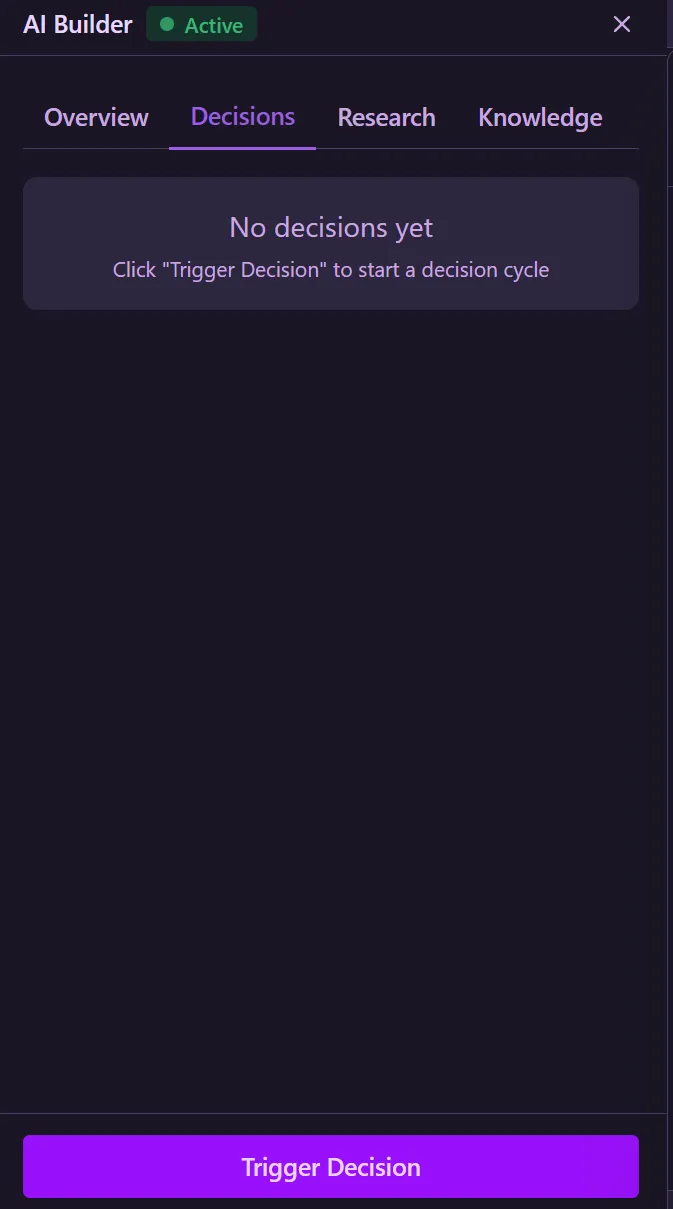
Trình Xây Dựng AI
Trình Xây Dựng AI là công cụ nghiên cứu và quyết định tự động của Kaiju Hub AI. Nó sử dụng AI để phân tích dự án dựa trên mục tiêu bạn xác định, thực hiện nghiên cứu và đưa ra quyết định về những gì cần làm. Bạn có thể chạy thủ công hoặc khởi động daemon để chạy tự động theo chu kỳ.
AI Builder có bốn tab: Tổng quan, Quyết định, Nghiên cứu và Kiến thức.
Cài Đặt
Cấu hình cách trình xây dựng hoạt động cho mỗi dự án.
CLI Provider & Model
Select which CLI tool and model to use for research and decisions (e.g. Claude Code Opus 4.6, Codex, Gemini).
Findings Batch Size
Number of findings to process per decision cycle. Use 1 for safest operation, or up to 10 for faster processing.
Autonomous Cycle Interval
Time between autonomous cycles (research then decision). Ranges from 1 min (fast) to 60 min (slow).
Research Findings Count
Insights to discover per cycle. 1 (focused) to 20 (broad). Higher values give broader analysis but take longer.
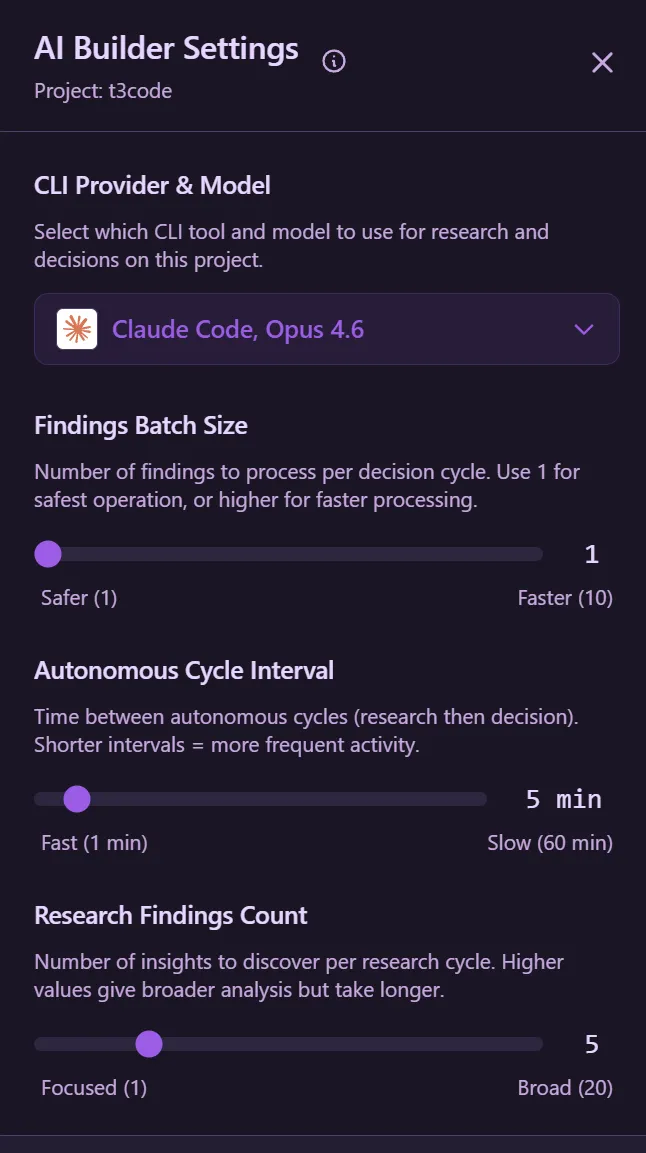
Kiến Thức & Mục Tiêu
Xác định mục tiêu hướng dẫn nghiên cứu và quyết định của Trình Xây Dựng AI. Mục tiêu cho AI biết cần tìm gì trong dự án.
Goals
Define project goals to guide AI decisions. Goals can be infinite (always active), one-time (resolved after completion), or set to expire after a certain number of research cycles.
Thoughts
View the AI's stored thoughts and observations gathered during research cycles.
Refresh Knowledge
Manually refresh the AI's knowledge base to re-analyze your project with the current goal set.
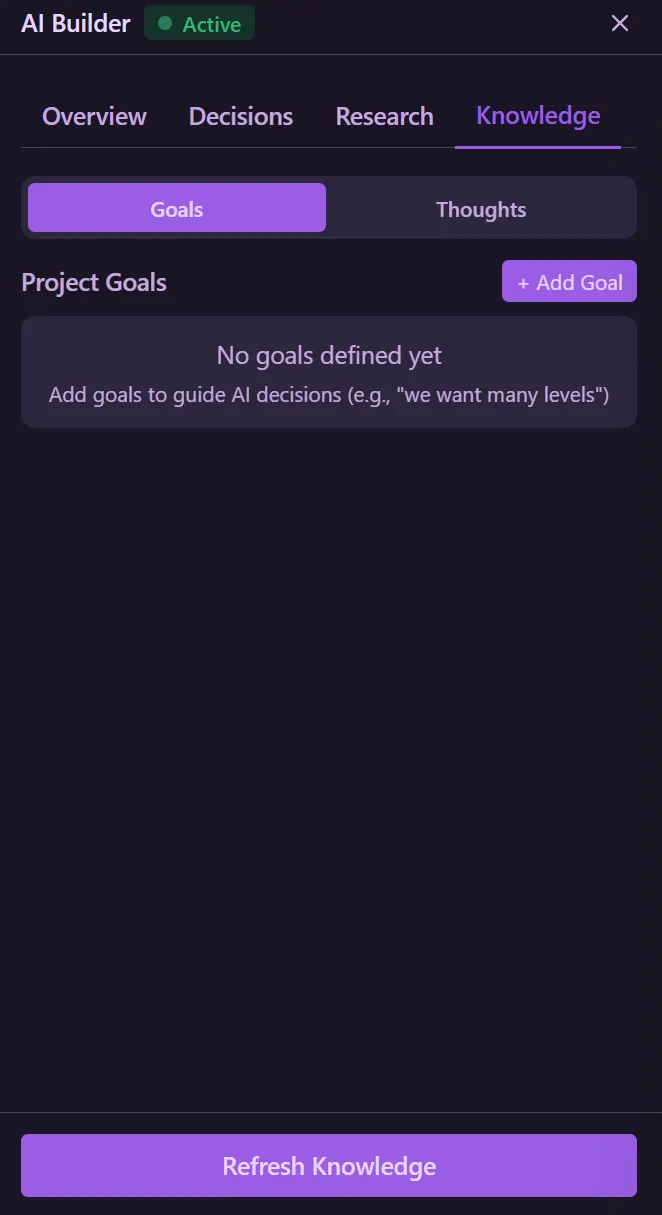
Nghiên Cứu
AI phân tích dự án với mục tiêu của bạn và khám phá những gì cần làm. Kích hoạt nghiên cứu thủ công hoặc để daemon xử lý.
Research Sessions
View all research sessions with counts of active and completed sessions. Filter by All, Active, or Completed.
Trigger Research
Manually start a research cycle. The AI will discover findings based on your goals and the configured findings count.
Automatic Research
Start the daemon from the Overview tab and click Start to run research cycles automatically at the configured interval.
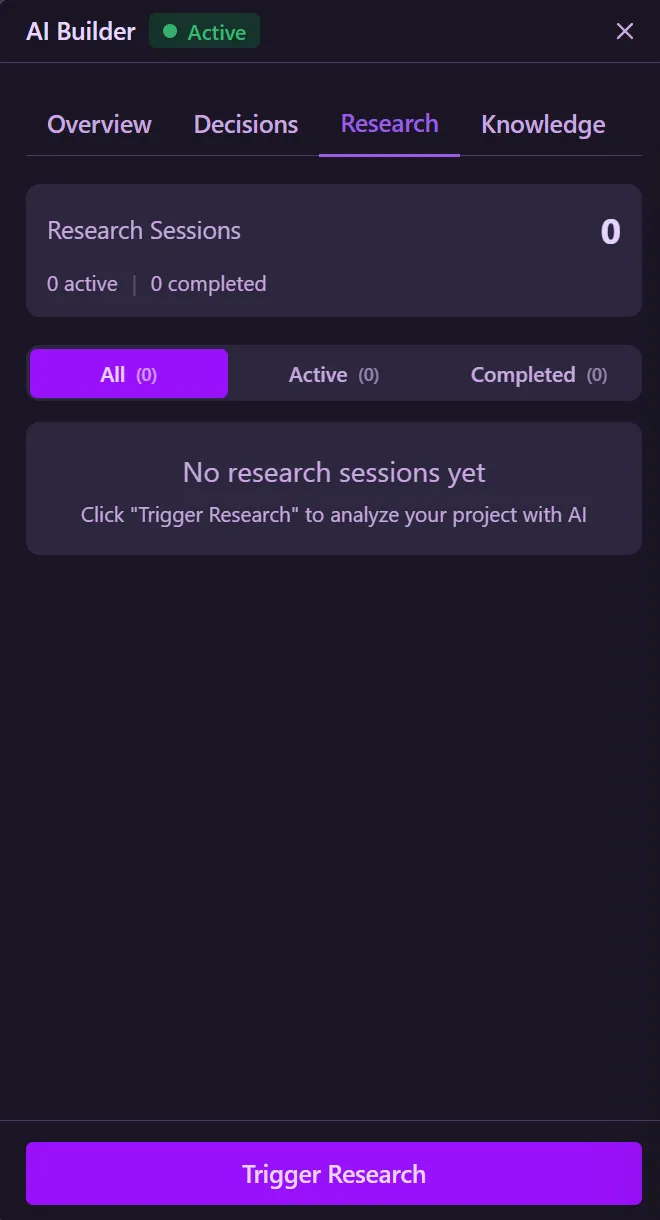
Quyết Định
Sau khi nghiên cứu hoàn tất, tab Quyết Định hiển thị những gì AI xác định cần thực hiện dựa trên phát hiện nghiên cứu và mục tiêu.
Decision Results
View completed decisions showing what the AI found and what actions it recommends based on research findings.
Trigger Decision
Manually start a decision cycle to process the latest research findings and generate actionable decisions.
Automatic Decisions
When the daemon is running, decisions are made automatically after each research cycle, creating a continuous research-then-decide workflow.