Téléchargez gratuitement, passez à Pro

Passez à Pro pour soutenir le développement et améliorer votre expérience.

MensuelAnnuelÉconomisez $56/yr
SUPPORT DEVELOPMENT

Pro

Pour les utilisateurs avancés

$20/mois
  • Tout du plan Gratuit
  • Unlimited active projects and monthly project generation
  • AI Brain and project-level AI Builder
  • Unlimited active Wireframes and Reverse Engineering projects
  • Marketing campaigns and content calendar
  • Multi-project creation, custom packages, themes, and Ollama Cloud support

Try Pro in the desktop app. No card required. No automatic billing.

See what Pro includes

Free tier

Tout ce qu’il faut pour commencer

$0
  • Project Hub: 5 active projects
  • Generate up to 5 new projects per month
  • 5 active Wireframes and 5 active Reverse Engineering projects
  • Blocks Library: unlimited groups
  • Plusieurs fournisseurs IA (OpenAI, Anthropic, Gemini, Grok, DeepSeek, Ollama local)
  • Intégration Claude Code, Codex et Gemini
Commencer gratuitement

Fonctionnalités Pro

Work with AI Brain, build projects with AI Builder, design screens, and organize campaigns in one desktop app.

AI Brain and AI Builder

Tell AI Brain what you need done in a project, and it delegates the work to an agent. Start AI Builder with your project specifications and it builds automatically.

  • Chat by text or voice and attach files for context.
  • Revisit notes and schedule news briefings or reflections.
  • See what AI Brain’s agents are working on and follow their progress and results.
  • AI Builder uses what’s already built and what still needs work to choose its next step.
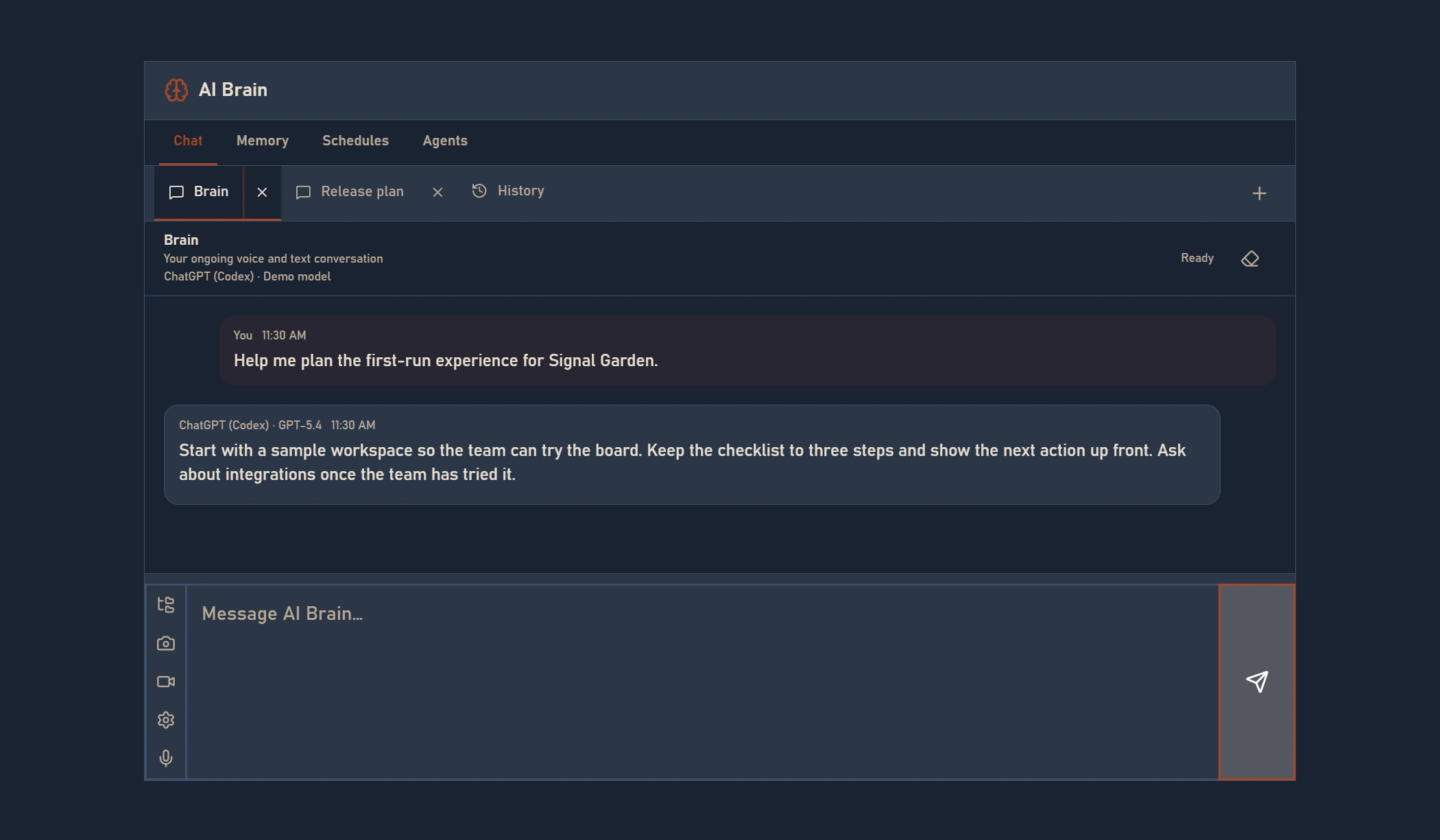
AI Brain desktop workspace with example project context

Build and design

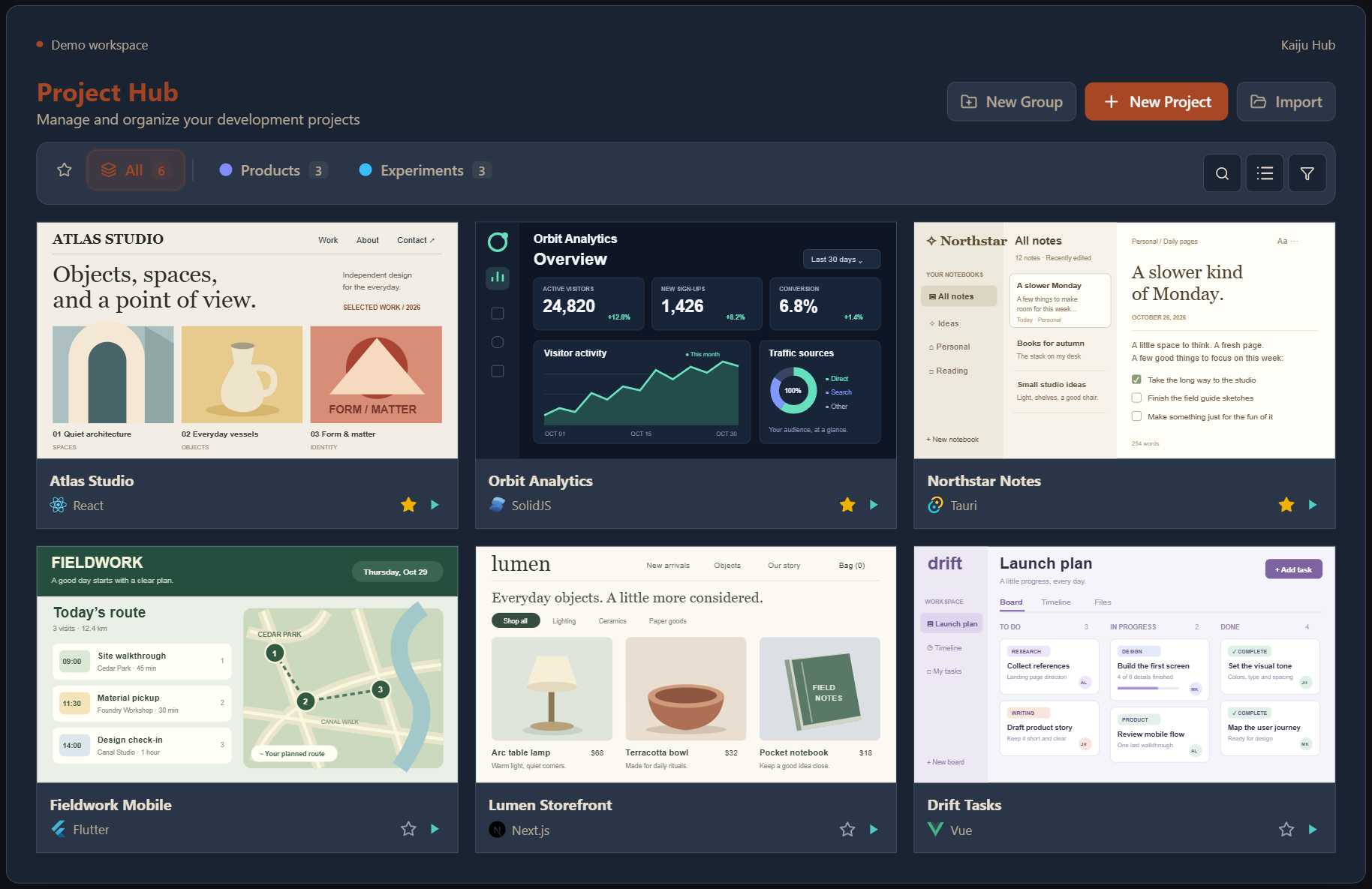
Project Hub thumbnail grid with six example projects

Project Hub

Keep your entire portfolio ready to open, from first experiments to maintained apps.

  • Keep unlimited projects active.
  • Favorite projects and pin shortcuts in the app header.
  • Create multiple projects from Markdown with per-project stacks and shared attachments.
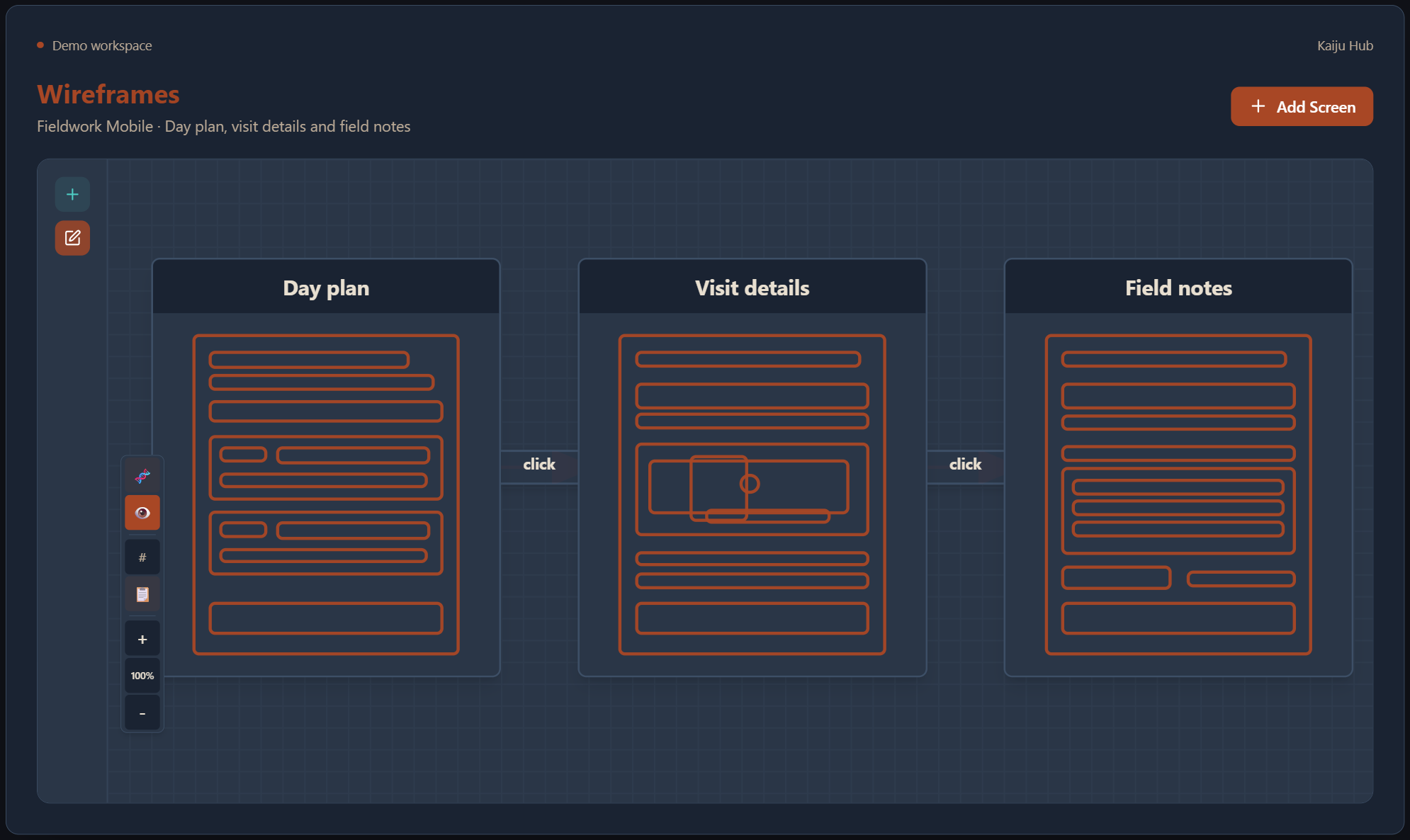
Three connected Wireframes screens for a mobile fieldwork app

Wireframes

Map screens and their connections before turning a design into an app.

  • Lay out responsive screens on a visual canvas.
  • Link screens in a storyboard to show the flow.
  • Use the wireframe as a source when creating a project.
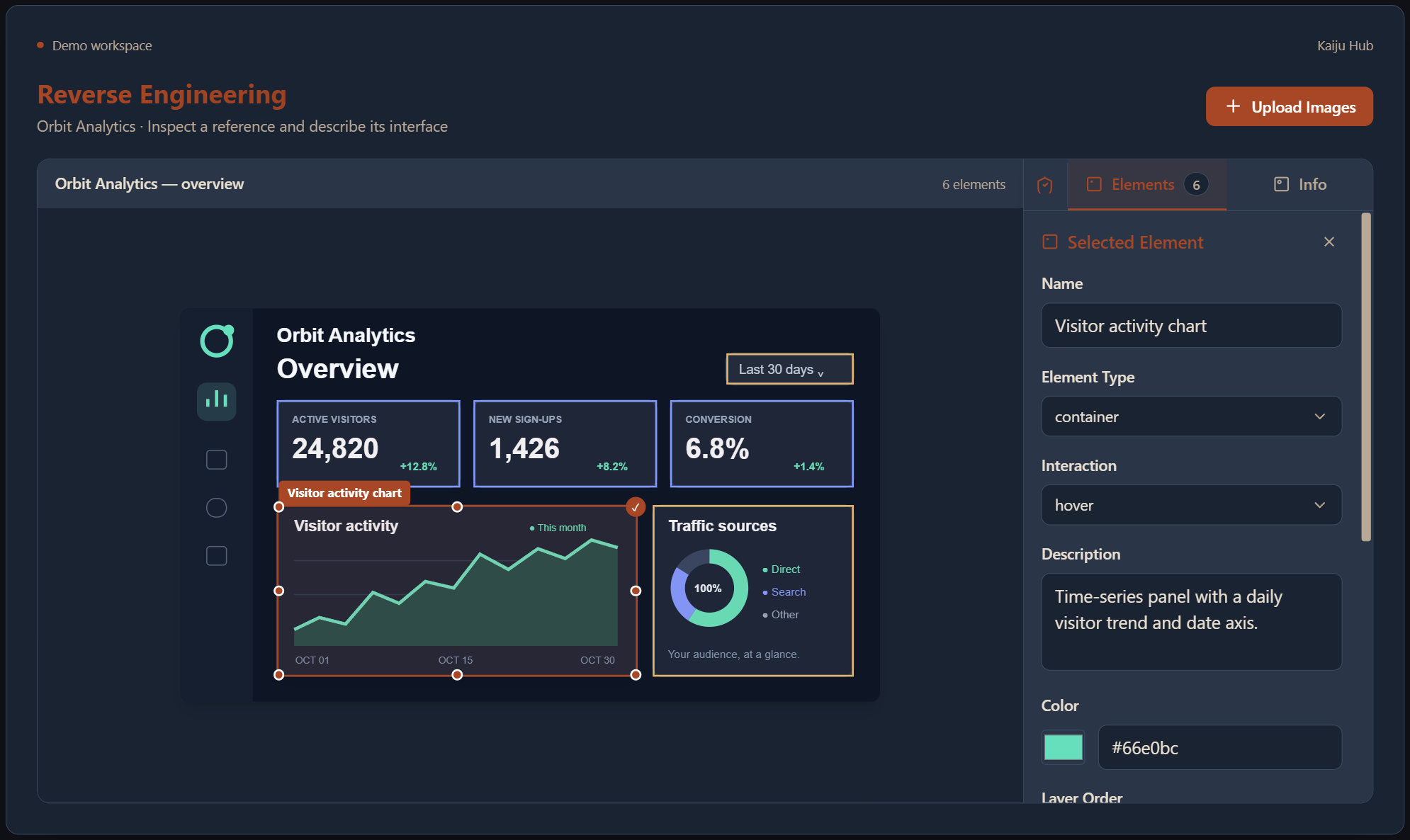
Reverse Engineering analysis with highlighted interface elements and properties

Reverse Engineering

Turn a reference interface into a design you can inspect, revise, and build from.

  • Start from screenshots or a website reference.
  • Review detected UI elements and annotate their behavior.
  • Use the analysis to generate a wireframe or a code starting point.

Promote and manage your work

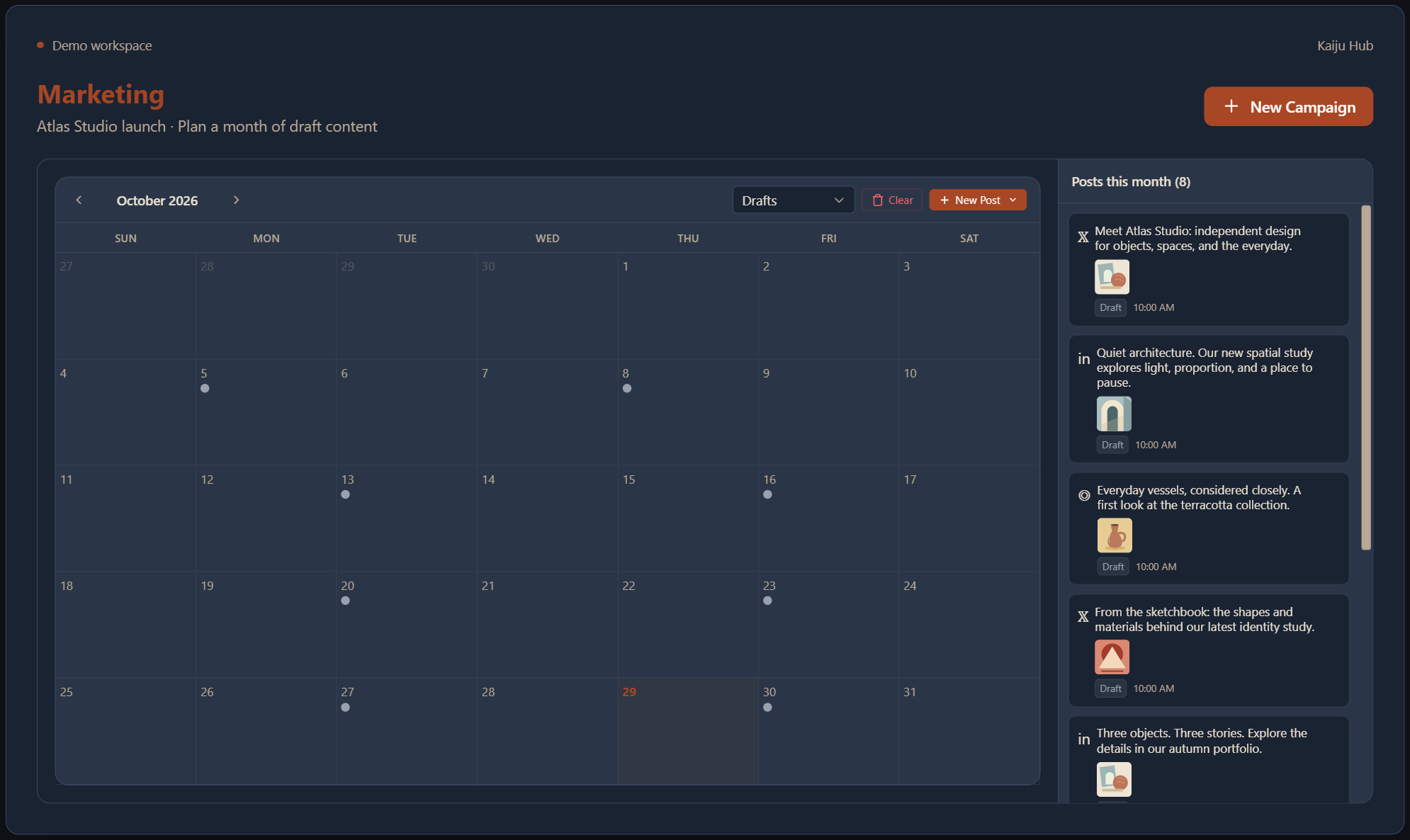
Marketing calendar with scheduled dates and draft posts

Marketing

Work on campaign strategy and creative in one place.

  • Keep campaign messaging and brand voice together.
  • Review drafts and creative in the content calendar.
  • Track competitor research and plan upcoming posts.
Tech Stack settings with a selection of full-stack frameworks

Developer setup

Save the tools and conventions you use across projects.

  • Save tech stack and AI model defaults for new projects.
  • Save custom installation packages as reusable templates.
  • Apply custom themes, or connect Ollama Cloud with your Ollama API key.

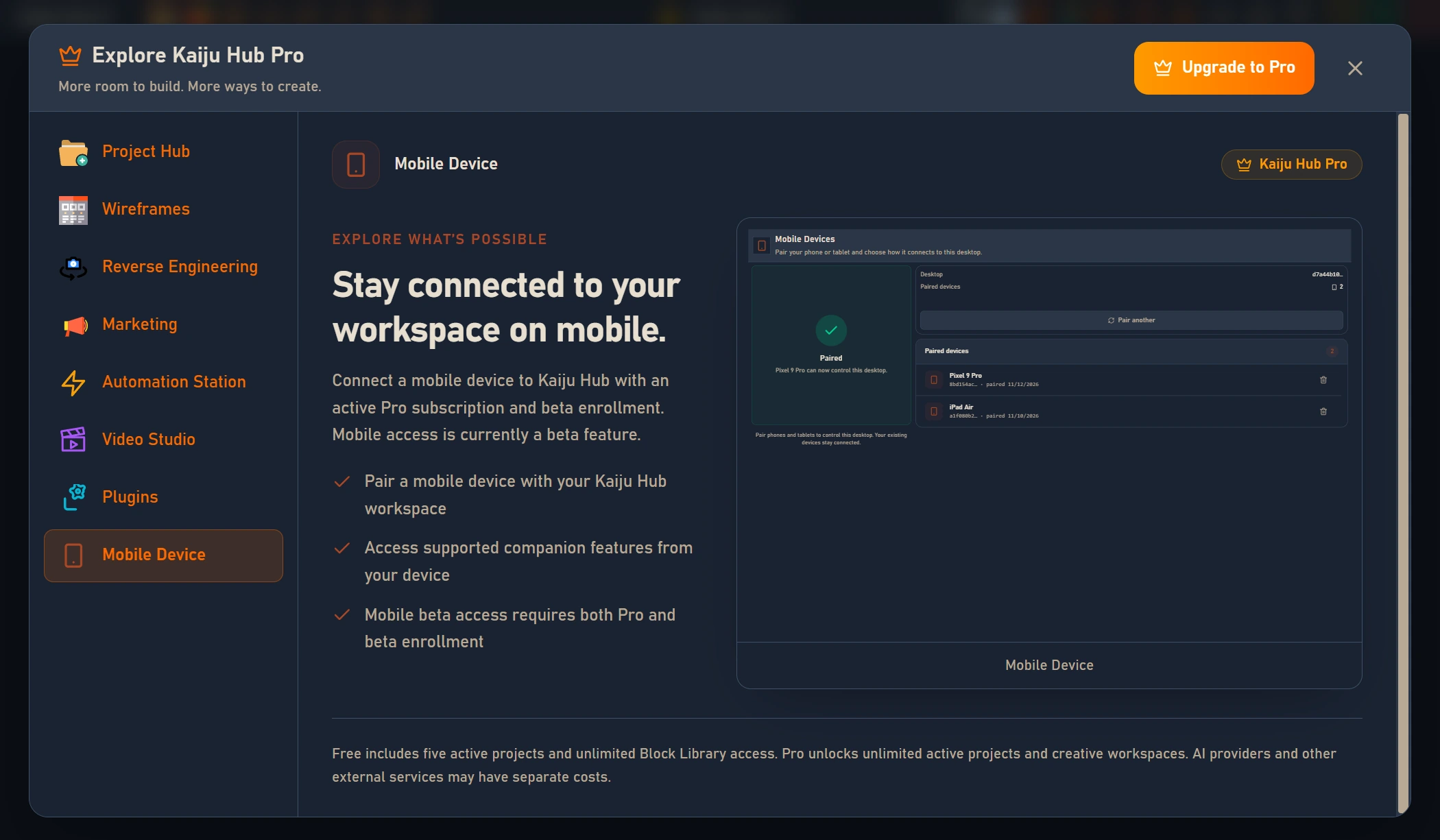
Mobile Device

Coming soon

The companion app will let you pair a phone with your desktop workspace and follow project work on the go.

Preview of the desktop app’s mobile device pairing controls